
Connect Your Website to Other Chatbots
Learn how to connect your website to other AI assistants. We're continuously adding support for new platforms as they enable MCP (Model Context Protocol) integration.
Getting Server URL
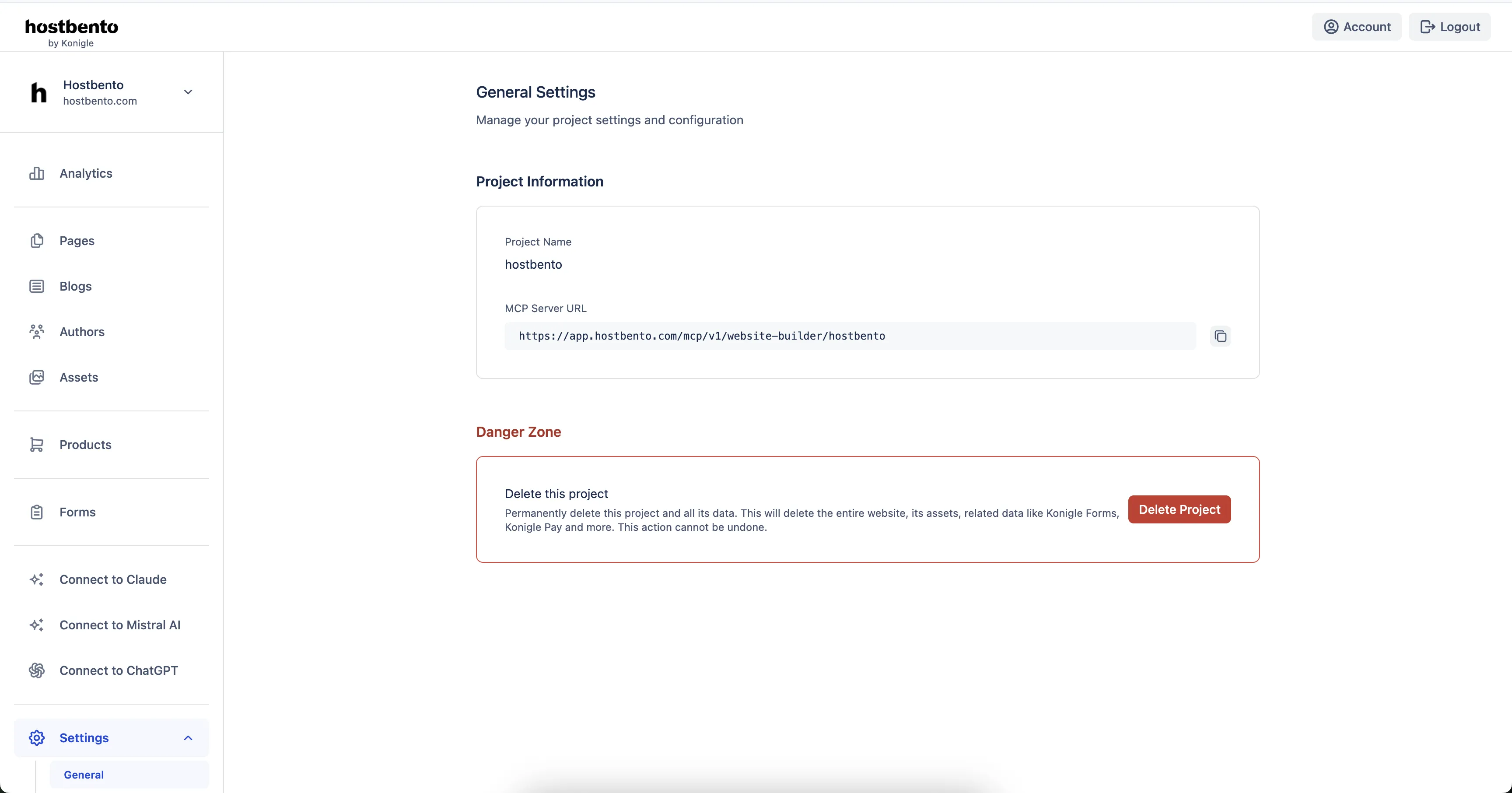
You'll need MCP server URL to connect Claude. Login to Hostbento dashboard and navigate to Settings > General to find your unique MCP server URL.
Gemini
Google Gemini does not support MCP (Model Context Protocol) integration yet. We will add detailed instructions as soon as Gemini adds support for custom connectors.
Status: Not supported yet
What's next: We're monitoring Gemini's development closely and will update this guide as soon as MCP support becomes available. Stay tuned!
Other AI Assistants
We're actively working on supporting additional AI assistants. If your preferred chatbot supports MCP or custom API integrations, please contact our support team and we'll explore adding support.
What You'll Be Able to Do
Once any of these platforms are connected, you can:
- Create landing pages for your website
- Customize header and footer
- Write and publish blog posts
- Optimize your website for SEO
- Update existing content
- Manage your website through natural conversations